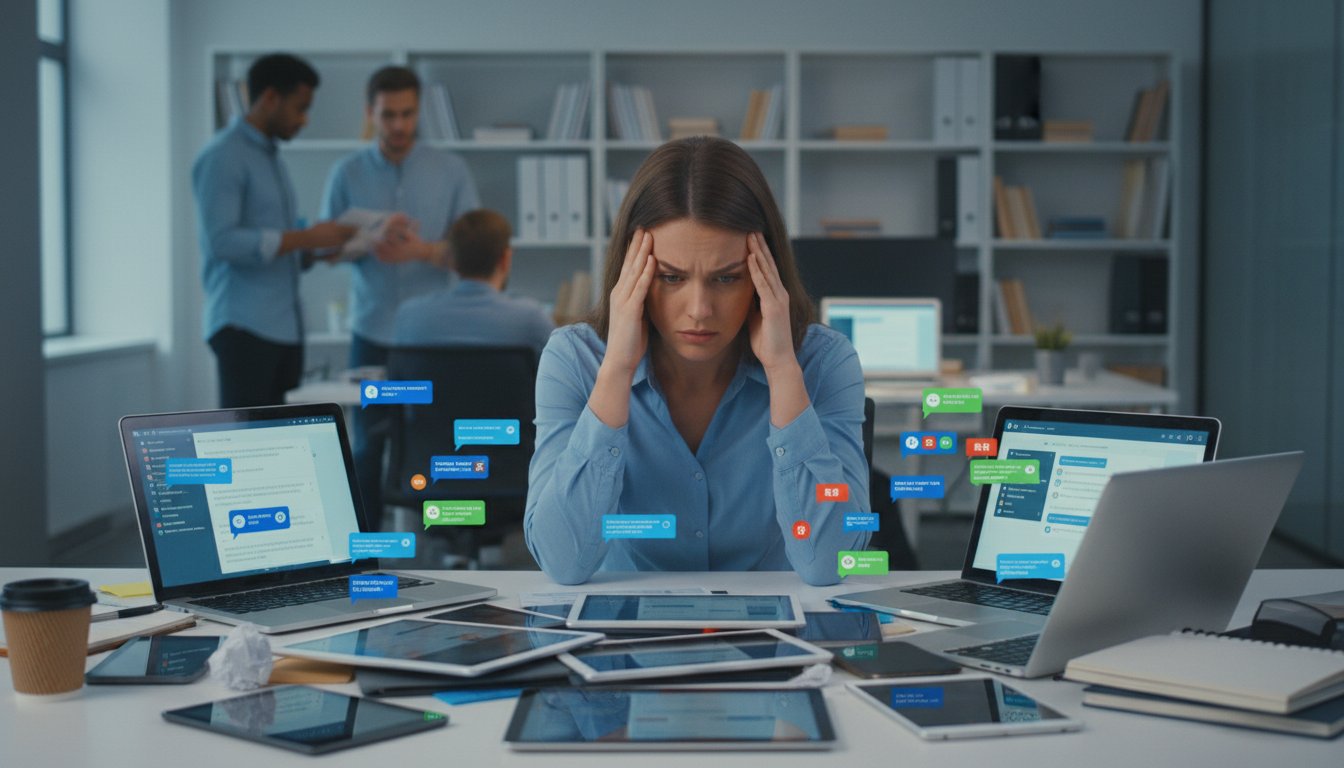
Imagine checking your phone 80 times in a single workday. That’s the reality for many professionals, a clear sign of digital overload. This constant pull towards screens creates a cycle of exhaustion and stress.
Studies reveal that 87% of employees spend nearly seven hours daily on screens. This non-stop engagement leads to feelings of overwhelm. The problem isn’t the technology itself, but how we interact with it.
Constant context switching between tools can slash productivity by up to 40%. Employees face around 50 interruptions daily, breaking focus every eight minutes. This environment makes deep work nearly impossible.
This guide offers a path forward. You will learn to harness the power of your tools for better focus. We provide actionable strategies to reduce notification noise and establish clear boundaries.
The goal is to transform your relationship with technology. You can reclaim your concentration and improve your work satisfaction. It’s time to move from being reactive to being intentional.
Key Takeaways
- Excessive screen time is a primary driver of workplace stress and reduced productivity.
- Frequent interruptions prevent deep focus and can significantly lower output.
- The core issue is not the apps but how we manage our interaction with them.
- Establishing clear boundaries with technology is essential for mental well-being.
- Practical strategies exist to minimize distractions and regain control of your focus.
- Intentional use of digital tools can lead to higher job satisfaction and efficiency.
Understanding Digital Overload in Messaging Apps
Digital environments today bombard workers with more information than the human brain can effectively process. This state of mental and physical overwhelm defines digital overload, particularly acute in messaging platforms where constant connectivity creates cognitive strain.
Causes and Implications of Information Overload
The primary driver is information overload from endless streams of emails, notifications, and updates. Our brains struggle to filter this constant input, leading to decreased attention spans and mental fatigue.
Multitasking across devices fragments focus, while 24/7 connectivity blurs work-life boundaries. The pressure to always be available creates significant stress for employees throughout their work day.
Impact on Employee Productivity and Well-Being
Studies reveal alarming consequences of this digital strain. Nearly half of the working hours become unproductive due to constant interruptions and context switching.
| Impact Area | Statistical Finding | Employee Experience |
|---|---|---|
| Productivity Loss | 50% of work day unproductive | Difficulty maintaining focus |
| Company Recognition | 80% see overwhelmed staff | Pressure to always be available |
| Work-Life Balance | 33% feel always working | 23% check emails at home |
This environment leads to decision fatigue and compulsive checking behaviors. The cumulative effect damages both professional output and personal well-being, creating a cycle that’s difficult to break.
Challenges of Managing Communication Apps Without Overload
Today’s workplace operates across a sprawling landscape of digital tools that create more chaos than clarity. The average employee juggles 36 different applications daily. This fragmentation scatters important discussions across multiple platforms.
Common Pain Points in Communication and Workflow
Constant interruptions disrupt workflow every eight minutes. Workers face 50 daily disruptions that require five minutes to recover from each. This cycle prevents deep focus.
Fifty-seven percent of interruptions stem from switching between applications. Important information gets lost across instant messaging, email, and project boards. Teams struggle with questions like “Where did we discuss this?”
Effects on Work-Life Balance and Team Collaboration
Professional and personal boundaries blur when tools overlap. One-third of staff report negative impacts on social life and energy levels. This digital strain affects overall well-being.
Scattered platforms undermine team alignment and project visibility. Members cannot access shared information efficiently. Collaboration suffers when conversations happen in different places.
| Challenge Area | Impact on Employees | Business Consequences |
|---|---|---|
| Tool Proliferation | Lost information across platforms | Duplicated work efforts |
| Notification Overload | Decision paralysis about priorities | Reduced productivity output |
| Work-Life Integration | 33% report lifestyle impacts | Increased workplace stress |
Strategies to Centralize Your Communication Platform
The solution to fragmented workplace discussions lies in consolidating all team interactions onto one unified platform. Research shows scattered digital tools drain 20-40 percent of productivity through constant switching.
A centralized approach eliminates the “where did we discuss this?” problem. It creates a single source of truth for all work conversations and decisions.
Evaluating Messaging Tools for a Unified Approach
Choosing the right platform requires careful assessment of key features. Look for strong security, mobile accessibility, and integration capabilities.
Task management functionality and admin controls are essential for proper data handling. The goal is finding tools that support your team’s workflow needs.
Implementing a Single, Structured Communication Hub
Organized channels by topic, team, or project provide clear structure. Marketing teams might use channels like “campaign-q3-launch” and “creative-requests.”
Product teams could have “feature-alpha” and “bug-triage” channels. Consistent naming conventions help members navigate information easily.
Leadership must establish clear policies about platform usage. This management strategy ensures team adoption and reduces cognitive load.
Leveraging Tools for Better Productivity and Focus
Productivity in today’s digital workplace hinges on our ability to control notification streams rather than being controlled by them. The right approach to digital tools can transform them from sources of distraction into assets for concentrated work.
Reducing Notification Noise and Digital Fatigue
Strategic control over alerts is essential for maintaining attention. Customize settings so interruptions occur only when truly necessary. This reduces the cognitive strain of constant digital pings.
Use focus mode features available in most platforms. These create protected blocks for uninterrupted work time. Employees can maintain concentration beyond the typical six-minute limit.
| Notification Strategy | Implementation | Impact on Focus |
|---|---|---|
| Per-Channel Settings | Designate priority conversations | Reduces unnecessary interruptions |
| Scheduled Send | Deliver messages during work hours | Prevents after-hours disruptions |
| Focus Mode Blocks | 2-3 hour protected periods | Enables deep work sessions |
| Screen-Free Breaks | 5-minute intervals hourly | Reduces mental fatigue significantly |
Using Time Management and Deep Work Techniques
Time-blocking methods create structure for your day. Designate specific periods for checking messages versus focused work. This balanced approach protects extended concentration.
Schedule regular breaks away from screens. Even brief minutes away from devices refresh mental capacity. This practice supports sustained productivity throughout the work day.
Set clear working hours within your tools. Notifications should pause automatically when you’re offline. This boundary prevents digital overload from affecting personal time.
Integrating Messaging, Task Management, and Collaboration
Hidden within every team conversation are crucial decisions that often get lost in endless message threads. The integration of these functions creates a seamless workflow where discussions naturally lead to completed work.
Streamlining Workflows with Unified Platforms
Unified platforms eliminate the need to switch between different tools. McKinsey research shows knowledge workers waste 19% of their time searching for scattered information.
Files, decisions, and data stay connected to their original conversations. This approach reduces friction and keeps everyone aligned on project goals.
Benefits of Converting Chat to Actionable Tasks
Any message can instantly become a trackable task with assigned owners and due dates. This transformation happens within the same platform where the discussion occurred.
Team members never lose context between communication and execution. A customer request in a channel becomes an assigned task with relevant files attached.
The integration supports flexible collaboration patterns. Some members can work from email while others use chat interfaces, with all data synchronized.
Best Practices for Reducing Notifications and Digital Distractions
Effective control over workplace notifications represents a critical skill for maintaining mental clarity throughout the workday. Implementing smart strategies helps teams maintain productivity while protecting personal time.
Setting Clear Boundaries with Do Not Disturb Features
Establishing defined working hours within digital tools creates essential boundaries. Each employee can configure specific availability windows when notifications automatically pause.
This approach sends a powerful cultural message that personal time deserves respect. Distributed teams across different time zones benefit significantly from this practice.
| Boundary Strategy | Implementation | Impact on Well-being |
|---|---|---|
| Working Hours Configuration | Set specific daily availability windows | Reduces after-hours stress |
| Scheduled Message Delivery | Write anytime, deliver during work hours | Respects colleague balance |
| Channel-based Notifications | Priority settings for different conversations | Minimizes unnecessary interruptions |
| Focus Mode Activation | Protected blocks for deep work | Enhances concentration periods |
Tips for Managing Alerts and Maintaining Focus
Single-tasking proves more effective than multitasking for sustained performance. Research confirms focusing on one conversation at a time yields better results.
Limit open browser tabs using a “two-tab” approach to reduce visual clutter. This simple technique helps people maintain attention on current priorities.
Use channels for asynchronous updates instead of scheduling meetings. Daily standup channels provide visibility without pulling team members into calls.
Conclusion
Modern workplaces face a critical challenge in balancing technological benefits with employee well-being. The constant pull of digital tools creates significant strain on teams and individuals throughout their work day.
Centralized platforms offer a powerful solution to fragmented information and notification noise. By consolidating tools into structured channels, organizations reduce cognitive load while improving project visibility.
This approach transforms the employee experience from reactive to intentional. People regain control over their time and attention, leading to better productivity and work-life balance.
The strategies outlined provide a clear path forward. Teams can harness technology’s power without sacrificing focus or personal boundaries. The result is sustainable engagement and meaningful work.