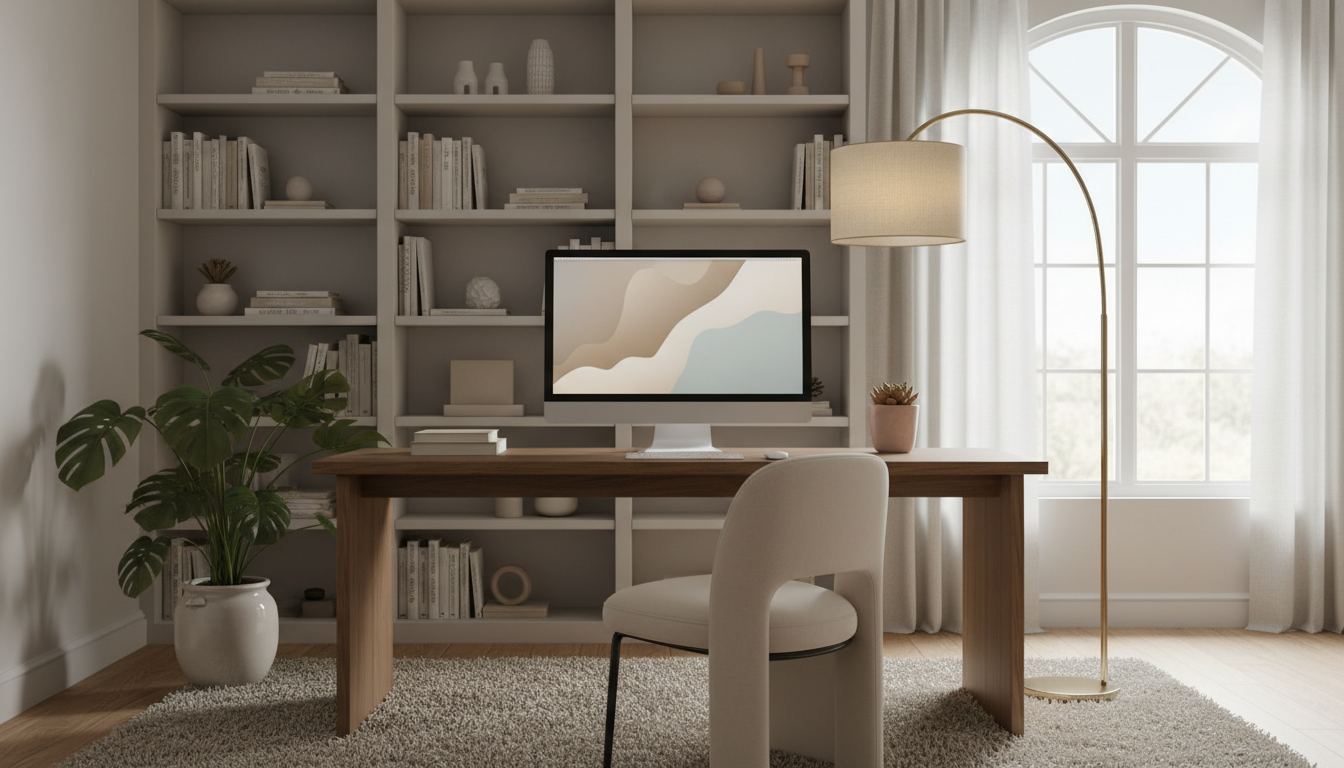
Have you ever wondered why some digital displays feel comfortable to view for hours while others cause eye strain within minutes? The answer lies in how we configure our visual environment.
Proper adjustment of display parameters directly impacts your viewing experience. These technical choices determine whether you enjoy sustained visual comfort or suffer from fatigue.
Long-term viewing comfort extends beyond immediate aesthetic appeal. It involves creating an environment where your eyes can process information efficiently without strain.
The relationship between accurate color representation and balanced contrast plays a vital role. This combination affects how your visual system interprets information during extended sessions.
Mastering these adjustments empowers creators and viewers alike. Understanding these principles leads to better digital experiences for everyone.
Key Takeaways
- Display configurations significantly influence prolonged viewing comfort
- Proper settings reduce eye strain and visual fatigue over time
- Balanced parameters improve information processing efficiency
- Optimal adjustments benefit both content creators and consumers
- Technical mastery leads to enhanced digital viewing experiences
- Correct configurations support sustained visual health
Introduction to Visual Comfort and Color Settings
Creating visually comfortable digital spaces requires understanding how display parameters influence both eye health and psychological responses. The right configuration makes a significant difference in how we experience digital content over extended periods.
Understanding the Importance of Visual Comfort
Visual comfort extends far beyond basic screen clarity. It represents the harmonious relationship between what our eyes perceive and how our brain processes information. Proper brightness levels and balanced ratios work together to prevent strain.
Over time, poorly adjusted displays can lead to headaches and reduced productivity. The elements of comfortable viewing include temperature alignment with natural conditions. These factors support sustained visual health during prolonged exposure.
How Color Influences Mood and Perception
The psychological impact of different hues on human mood is profound. Warm tones like red and orange can evoke energy and drama. Cool blues and greens typically promote calmness and serenity.
Understanding this relationship helps creators communicate specific emotions. Filmmakers often enhance saturation of certain colors to convey tension. This real-life example shows how color choices shape audience perception.
Thoughtful color schemes in digital applications demonstrate this principle effectively. Platforms prioritizing visual comfort through balanced palettes see increased user engagement. The right combination creates positive viewing experiences.
The Essentials of Color and Contrast Adjustment
Achieving professional-looking visuals begins with mastering fundamental display parameters. These technical foundations separate amateur results from polished, comfortable viewing experiences.
Proper configuration starts with understanding core concepts. Two distinct processes work together to create optimal visual results.
Defining Color Correction and Its Role
This initial step focuses on technical accuracy. Correction balances hues to achieve natural, true-to-life appearance.
The process addresses exposure issues and white balance problems. It removes unwanted noise while managing highlight and shadow details. These adjustments create a neutral baseline for further enhancement.
Primary objectives include consistency across multiple frames. Footage shot under different lighting conditions becomes uniform. This technical foundation ensures professional cohesion before creative work begins.
The Impact of Contrast on Image Dynamics
Contrast defines the relationship between light and dark areas. This difference creates depth in two-dimensional media.
Well-utilized contrast guides viewer attention effectively. It emphasizes key subjects while adding dramatic impact. The interplay between brightness and saturation completes the visual narrative.
| Process | Focus Areas | Primary Goal |
|---|---|---|
| Color Correction | Exposure, White Balance, Noise | Technical Accuracy & Consistency |
| Color Grading | Hue, Saturation, Levels | Creative Enhancement & Mood |
| Contrast Adjustment | Brightness, Shadow/Highlight Balance | Depth Creation & Focus Guidance |
Mastering these elements ensures both visual appeal and viewing comfort. Proper configuration avoids extremes that cause eye strain during extended sessions.
Mastering “contrast and color correction settings” for Long-Term Visual Comfort
Finding the perfect equilibrium in your visual setup is crucial for preventing fatigue during long viewing sessions. The goal is a harmonious display that feels natural to view.
This approach ensures your work is both aesthetically pleasing and comfortable for extended viewing.
Key Principles in Balancing Color and Contrast
Avoiding extremes is the cornerstone of visual comfort. Pushing parameters too high creates harsh, fatiguing visuals. Going too low produces a flat, unengaging image.
Every project has a unique sweet spot. Consider the intended mood and viewing context. Documentary work often needs subtle, natural-looking adjustments.
Artistic projects might allow for more dramatic manipulations of hue and tone. Strategic separation between different color areas adds depth without strain.
Optimal results come from iterative testing. Changes to one element often affect others. This careful process leads to a final image that is easy on the eyes.
Practical Techniques for Enhancing Image Tone and Mood
Transforming ordinary photos into compelling visual stories requires mastering specific editing techniques that enhance both tone and emotional impact. These methods help create visuals that resonate with viewers on a deeper level.
Professional results come from understanding how different adjustments influence the final look. Strategic manipulation of various elements creates the desired atmosphere.
Step-by-Step Guide to Adjusting Settings
Begin with RAW format captures for maximum flexibility in post-processing. This approach preserves essential data from your camera’s sensor.
White balance establishes the foundation for all subsequent changes. It determines whether your image conveys warmth or coolness.
Monitor the histogram during hue and saturation adjustments. This ensures even distribution across the tonal range.
Advanced methods involve manipulating curves for highlights and shadows separately. Split toning adds sophisticated color tints to different areas.
High vs. Low Contrast: When and How to Use Them
High contrast images feature broad tonal ranges from deep blacks to bright whites. This technique amplifies drama and draws attention to specific subjects.
Low contrast approaches create softer, more muted appearances. They work well for subtle moods and nostalgic feelings.
The difference between these styles determines their ideal applications. Commercial work often benefits from higher impact, while artistic projects may prefer gentler effects.
| Technique | Tonal Range | Best Use Cases | Emotional Effect |
|---|---|---|---|
| High Contrast | Broad (deep blacks to bright whites) | Editorial, commercial, dramatic scenes | Intensity, energy, attention-grabbing |
| Low Contrast | Narrow (muted tones) | Fine art, nostalgic, atmospheric shots | Calmness, subtlety, dreamlike quality |
Practical application requires experimentation with various photos. Different subjects respond uniquely to specific treatments. Landscape images typically need moderate adjustments to preserve detail.
Portrait photography benefits from selective enhancements that emphasize skin tones. Understanding these principles leads to more effective visual communication.
Integrating Technology: Tools and Software for Color Grading
Professional color grading requires powerful software tools that provide precise control over every visual element. The right applications transform raw footage into polished visuals with comfortable viewing characteristics.
Modern solutions range from desktop powerhouses to mobile convenience. Each platform offers unique advantages for different workflow requirements.
Desktop Solutions: Davinci Resolve, Adobe Photoshop, and More
DaVinci Resolve stands as the industry-standard tool for professional work. It offers comprehensive primary correction features and advanced grading controls.
The sophisticated curve editor provides precise manipulation of your images. This powerful tool handles complex film projects with exceptional detail.
Adobe Photoshop excels at photography editing with targeted adjustments. You can match hues between multiple photos or replace specific colors in selected areas.
Adobe Lightroom offers streamlined controls for batch processing. Its user-friendly interface makes sophisticated adjustments accessible to photographers.
Mobile Editing Apps for On-the-Go Adjustments
Mobile photography benefits from apps like Snapseed and VSCO. These tools bring professional-grade features to smartphone editing.
They offer intuitive interfaces for adjusting white balance and saturation. Presets and manual controls ensure consistent quality across devices.
| Software | Primary Strength | Best For |
|---|---|---|
| DaVinci Resolve | Advanced curve controls | Film and video projects |
| Adobe Photoshop | Precise color selection | Photo retouching |
| Adobe Lightroom | Batch processing | Photography workflows |
| Mobile Apps | Convenience and speed | On-the-go editing |
HSL curves enable targeted separation through hue versus saturation adjustments. This technique creates depth without causing visual fatigue. Understanding each tool’s capabilities improves your grading efficiency.
Select applications based on your project’s specific demands. Video work typically requires Resolve’s advanced features. Still photography might benefit more from Lightroom’s streamlined approach.
Conclusion
Your journey toward creating comfortable digital visuals reaches its final destination with these essential principles. Mastering these elements ensures your photos and film projects deliver professional results.
The right balance between technical accuracy and creative expression separates amateur work from professional quality. Understanding how brightness, hue, and tone interact creates images that are both appealing and easy to view.
Effective editing techniques consider the entire tonal range. Proper white balance establishes the foundation for all subsequent adjustments.
Modern tools provide powerful features for precise control. These applications help photographers achieve the desired look without compromising visual comfort.
Remember that great photography serves both artistic vision and viewer well-being. The subtle differences in your approach make all the difference in final results.