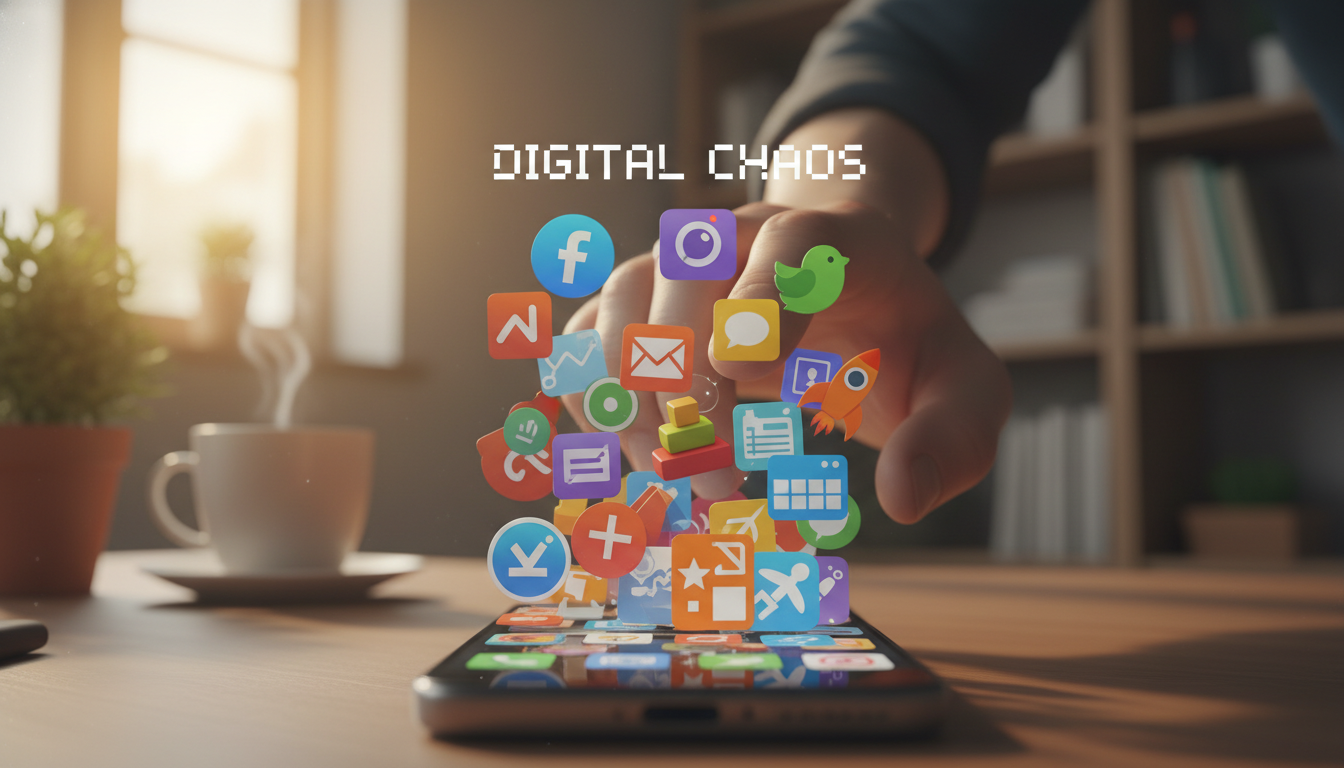
The average smartphone has 80 apps installed. The average person uses fewer than 10 of them daily. That leaves 70 apps — most forgotten, some running in the background, all consuming storage, attention, and decision energy every time you swipe through your screens looking for the one thing you actually need.
App clutter isn’t just an aesthetic problem. It’s a functional one. Every unnecessary app on your home screen is a micro-decision you make dozens of times per day: “Is this the one I want? No. This one? No. Where did I put it?” These micro-decisions accumulate into genuine cognitive load — a persistent low-level drain that makes your device feel more overwhelming than it should.
Restoring purposeful device use isn’t about minimalism as a lifestyle choice. It’s about making your phone work for you efficiently — so that when you pick it up, you accomplish what you intended and put it back down, rather than getting lost in a sea of icons wondering what you were looking for.
Understanding Why Clutter Accumulates
App clutter doesn’t happen because you’re disorganized. It happens because the entire app ecosystem is designed to encourage installation and discourage removal:
- Low friction to install, high friction to evaluate: Installing an app takes 3 seconds. Deciding whether to keep it requires weeks of use. The asymmetry means apps accumulate far faster than they’re removed.
- “Maybe I’ll need it later” psychology: We overvalue future utility and undervalue present simplicity. The app you installed for that one trip, that one event, that one project — it stays long after its purpose has passed.
- Pre-installed bloatware: Manufacturers and carriers pre-install apps you never chose and may not be able to fully remove. These occupy prime screen space and add to visual noise.
- Apps as bookmarks: Many people install apps for services they could access through a browser — their bank, their airline, a restaurant menu. Each one adds another icon for something used perhaps twice per year.
The True Cost of App Clutter
Beyond the obvious (consumed storage, background battery drain), app clutter has less visible costs:
Attention cost
Every time you unlock your phone, your brain processes the visual information on screen — all of it, not just what you’re looking for. A cluttered home screen forces your visual processing system to work harder to find what you want. This happens below conscious awareness, but it contributes to the feeling that your phone is “overwhelming” or “distracting.”
Decision cost
Multiple apps that do similar things create ongoing, low-grade decision fatigue. “Should I use Notes or Keep? Gmail or the Mail app? Google Maps or Waze?” These micro-decisions don’t feel significant individually, but research on decision fatigue shows they deplete the same cognitive resources used for meaningful choices.
Security cost
Each installed app is a potential vulnerability. Apps you don’t update (because you forgot they exist) may have unpatched security flaws. Apps you granted permissions to years ago may still be accessing your location, contacts, or camera. The fewer apps installed, the smaller your attack surface.
Update fatigue
More apps means more update notifications, more storage consumed by update downloads, and more opportunities for an update to introduce bugs that affect your daily experience.
The Declutter Process: A Systematic Approach
Phase 1: Audit (15 minutes)
Go through every app on your phone — yes, every single one — and categorize each into one of three groups:
- Essential: You use this at least weekly. Removing it would create a real problem.
- Occasional: You use this monthly or for specific situations (travel, holidays, specific tasks).
- Dead weight: You can’t remember the last time you opened it, or it serves a purpose you can accomplish another way.
Most people find that 40-60% of their installed apps fall into the “dead weight” category. These are your immediate targets.
Phase 2: Remove (10 minutes)
Delete everything in the “dead weight” category. All of it. Don’t overthink this — the app store remembers your purchases. If you genuinely need any of these apps in the future (you almost certainly won’t), you can reinstall them in seconds.
For the “occasional” category, ask: Can I accomplish this with a web browser instead? Many services (banking, airlines, restaurants, shopping) work perfectly fine through their mobile website. You don’t need a dedicated app for something you use twice a year.
Phase 3: Organize (10 minutes)
With your remaining apps — typically 15-25 for most people — organize your home screen around how you actually use your phone:
- First screen: Only the apps you use daily (typically 8-12). These get individual icons, not folders.
- Dock/bottom bar: Your absolute top 4 — the apps you reach for most often (phone, messaging, browser, camera is a common combination).
- Second screen: “Occasional” apps grouped into 2-3 folders with clear names (“Travel,” “Finance,” “Health”).
- Everything else: Accessible via search only. You don’t need it on a screen if you can pull down and type its name when needed.
Maintaining the Clean State: Ongoing Habits
Decluttering once feels great but doesn’t last without maintenance habits. These three practices prevent re-accumulation:
The one-in-one-out rule
Every time you install a new app, remove an existing one. This isn’t about maintaining a specific count — it’s about maintaining the habit of evaluation. The act of choosing which app to remove forces you to assess whether the new app truly adds value or just adds weight.
Monthly permission review
Once per month (set a recurring reminder), spend five minutes in Settings → Privacy reviewing which apps have access to your location, camera, microphone, and contacts. Revoke permissions for apps you haven’t used recently. This serves double duty: improving privacy and revealing apps you’ve forgotten about (candidates for deletion).
The 30-day uninstall rule
If you haven’t opened an app in 30 days and it’s not a utility that runs in the background (like your password manager or VPN), delete it. No negotiation, no “but what if.” Thirty days of non-use is strong evidence that the app isn’t serving a current need.
iOS makes this particularly easy with the “Offload Unused Apps” feature (Settings → App Store → Offload Unused Apps). This automatically removes apps you haven’t used recently while preserving their data — so if you do need them again, reinstalling restores exactly where you left off.
Addressing Common Resistance
“But what if I need it?”
You probably won’t. But if you do, reinstalling takes ten seconds. The app store is your backup storage. You don’t keep a toolbox in every room of your house “just in case” — you keep one toolbox in an accessible location and walk to it when needed. Your app store works the same way.
“I paid for that app”
The sunk cost fallacy applies to apps too. Money spent is spent regardless of whether the app remains installed. An app you paid $4.99 for three years ago and never use isn’t providing $4.99 of value by sitting on your screen — it’s providing zero value while adding clutter. Your purchase remains in your account history; you can reinstall paid apps without repaying.
“It doesn’t take up much space”
Individual apps may be small, but the argument isn’t primarily about storage — it’s about attention and purpose. A clean, purposeful device serves you better than one overflowing with unused potential, regardless of how much storage remains available.
“I might use it when I travel/during holidays/for that project”
Install it when that time comes. This takes seconds with modern internet speeds. Keeping apps installed for hypothetical future use is like keeping packed suitcases in your hallway because you might travel someday. Install when needed, remove when done.
The Purposeful Device
A decluttered phone isn’t an empty phone. It’s a focused one. Every app on your screen is there because it serves a current, active purpose. Every icon represents something you use, value, and understand. There’s nothing mysterious lurking in folders you never open, no forgotten subscriptions charging your card, no background processes draining your battery for apps you don’t remember installing.
This clarity changes how you relate to your device. Instead of a vague sense of overwhelm every time you unlock it, you see a clear set of tools that serve specific purposes. You pick up your phone with intention, accomplish what you need, and put it down without the nagging feeling that you’re supposed to be doing something else with it.
That’s what purposeful device use looks like. Not fewer capabilities — just the right ones, organized clearly, used intentionally. Start with the audit. You’ll be surprised how much lighter your phone feels with 30 fewer apps you weren’t using anyway.

Hi, I’m Isabela! With over 8 years in Information Technology, I’ve helped individuals and businesses navigate the ever-changing world of digital tools. I specialize in device optimization, app recommendations, and online security — breaking down complex tech concepts into clear, actionable advice anyone can follow.